- primepos
- June 2, 2026
Posiflex PP8802 Thermal Printer Maintenance Tips and Basics for Long-Lasting Performance
The Posiflex PP8802 Thermal Printer is one of the most reliable receipt printing solutions used in retail stores, supermarkets, restaurants, pharmacies, and billing counters. Known for its fast printing speed, durable design, and low maintenance requirements, this Posiflex Thermal Printer helps businesses streamline billing operations while delivering professional-quality receipts.
If you want to maximize the lifespan of your printer and reduce downtime, regular maintenance is essential. In this guide, we will cover the basics of the Posiflex PP8802 Thermal Printer and provide practical maintenance tips to keep it performing at its best.
Understanding the Posiflex PP8802 Thermal Printer
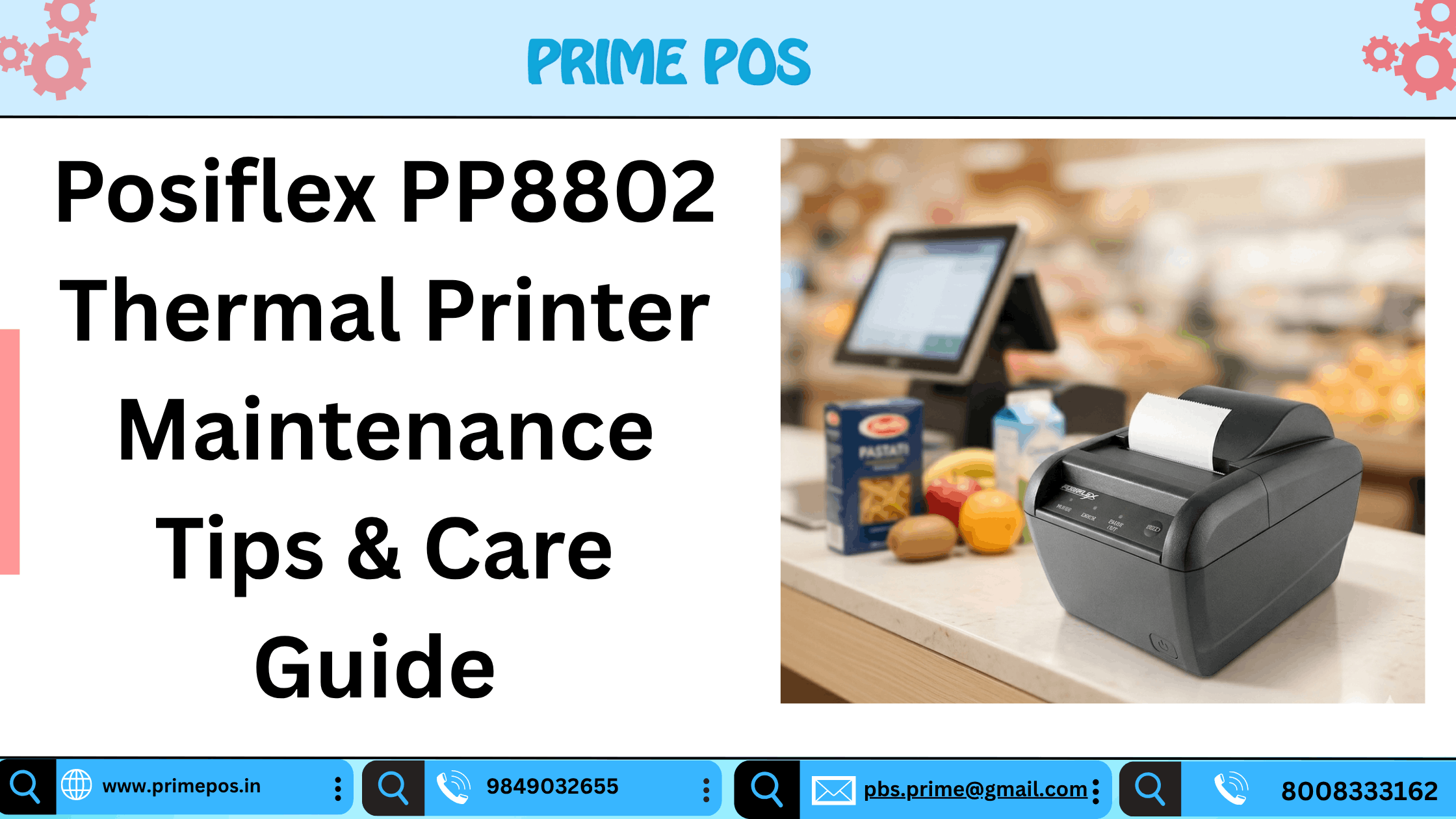
The Posiflex PP8802 is a high-performance thermal receipt printer designed for demanding business environments. It features an auto-cutter, supports 80mm and 58mm paper rolls, and delivers print speeds of up to 220 mm per second, making it ideal for high-volume billing operations. It also supports USB and Serial connectivity for seamless POS integration.
Key Features
- High-speed thermal printing
- Auto-cutter functionality
- USB and Serial interface support
- 80mm and 58mm paper compatibility
- Compact and durable design
- Low operating and maintenance costs
- Suitable for retail, hospitality, and healthcare businesses
Why Regular Maintenance Matters
Even though thermal printers have fewer moving parts compared to traditional printers, routine maintenance helps:
- Maintain print quality
- Prevent paper jams
- Extend print head life
- Reduce downtime
- Improve operational efficiency
- Lower repair expenses
Proper care ensures your Posiflex Thermal Printer continues delivering clear receipts and reliable performance for years.
Essential Maintenance Tips for Posiflex PP8802 Thermal Printer
1. Clean the Thermal Print Head Regularly
The thermal print head is the most important component of your printer. Dust, adhesive residue, and paper particles can accumulate over time.
Maintenance Tip:
- Turn off the printer before cleaning.
- Use a soft lint-free cloth or approved cleaning swab.
- Gently wipe the print head surface.
- Allow it to dry completely before restarting.
Regular cleaning helps maintain sharp and readable receipts.
2. Use High-Quality Thermal Paper
Using poor-quality paper can leave residue on the print head and reduce printing efficiency.
Best Practice:
- Always use recommended thermal paper rolls.
- Store paper rolls in a cool and dry place.
- Avoid exposure to direct sunlight and moisture.
Quality thermal paper improves print clarity and extends printer life.
3. Keep the Paper Path Clean
Paper dust can accumulate inside the printer and cause feeding issues.
Maintenance Tip:
- Open the printer cover weekly.
- Remove loose paper particles.
- Inspect rollers and paper guides.
- Use compressed air when necessary.
A clean paper path ensures smooth operation and minimizes paper jams.
4. Protect the Auto Cutter
The auto cutter is designed for thousands of cuts, but improper usage can shorten its lifespan.
Avoid:
- Pulling receipts forcefully.
- Using damaged paper rolls.
- Allowing foreign objects near the cutter mechanism.
Regular inspection helps prevent cutter-related issues.
5. Check Connectivity and Cables
Loose or damaged cables can interrupt billing operations.
Recommended Checks:
- Inspect USB and Serial connections.
- Verify power adapter connections.
- Replace worn cables immediately.
Stable connectivity ensures uninterrupted receipt printing.
6. Avoid Overheating
Although the Posiflex PP8802 is designed for continuous operation, adequate ventilation is important.
Tips:
- Keep ventilation areas unobstructed.
- Avoid placing the printer near heat sources.
- Ensure proper airflow around the device.
This helps maintain consistent performance during peak business hours.
7. Perform Regular Printer Testing
Routine testing can identify minor issues before they become major problems.
Monthly Checklist:
- Test print quality.
- Verify cutter performance.
- Check paper feeding accuracy.
- Inspect indicator lights.
Preventive maintenance reduces unexpected breakdowns.
Common Issues and Quick Solutions
Faded Printing
Possible Cause: Dirty print head or low-quality paper.
Solution: Clean the print head and switch to premium thermal paper.
Paper Jamming
Possible Cause: Dust buildup or incorrectly loaded paper.
Solution: Clean the paper path and reload the paper correctly.
Cutter Not Working Properly
Possible Cause: Obstruction in the cutter mechanism.
Solution: Remove debris and inspect the cutter assembly.
Printer Not Responding
Possible Cause: Loose cable or incorrect driver settings.
Solution: Verify all connections and reinstall printer drivers if necessary.
How Maintenance Reduces Thermal Printer Price Ownership Costs
Many business owners focus only on the initial Thermal Printer Price, but long-term operating costs are equally important. Regular maintenance reduces repair expenses, minimizes downtime, and extends equipment life, delivering better return on investment.
The Posiflex PP8802 Thermal Printer is already known for its low maintenance design, making it one of the most cost-effective solutions for businesses seeking reliable receipt printing.
Why Choose Shop With Prime POS?
When purchasing a Posiflex Thermal Printer, choosing the right supplier is just as important as selecting the right model.
Shop With Prime POS offers:
- Genuine Posiflex products
- Competitive Thermal Printer Price
- Expert product consultation
- Fast delivery across India
- Professional installation support
- After-sales service assistance
Whether you need a single printer or a complete POS solution, Prime POS can help you find the right hardware for your business requirements.
Conclusion
The Posiflex PP8802 Thermal Printer is a dependable and high-performance receipt printer built for modern business environments. By following simple maintenance practices such as cleaning the print head, using quality thermal paper, inspecting connections, and performing routine checks, you can significantly improve printer lifespan and performance.
For businesses looking for the best Posiflex Thermal Printer solutions at competitive Thermal Printer Prices, Shop With Prime POS is your trusted partner.
Contact Prime POS Today
Phone: 8008333162
Email: pbs.prime@gmail.com
Website: www.primepos.in
Get the best pricing, expert guidance, and reliable POS hardware solutions from Prime POS.